
📅 Introduction
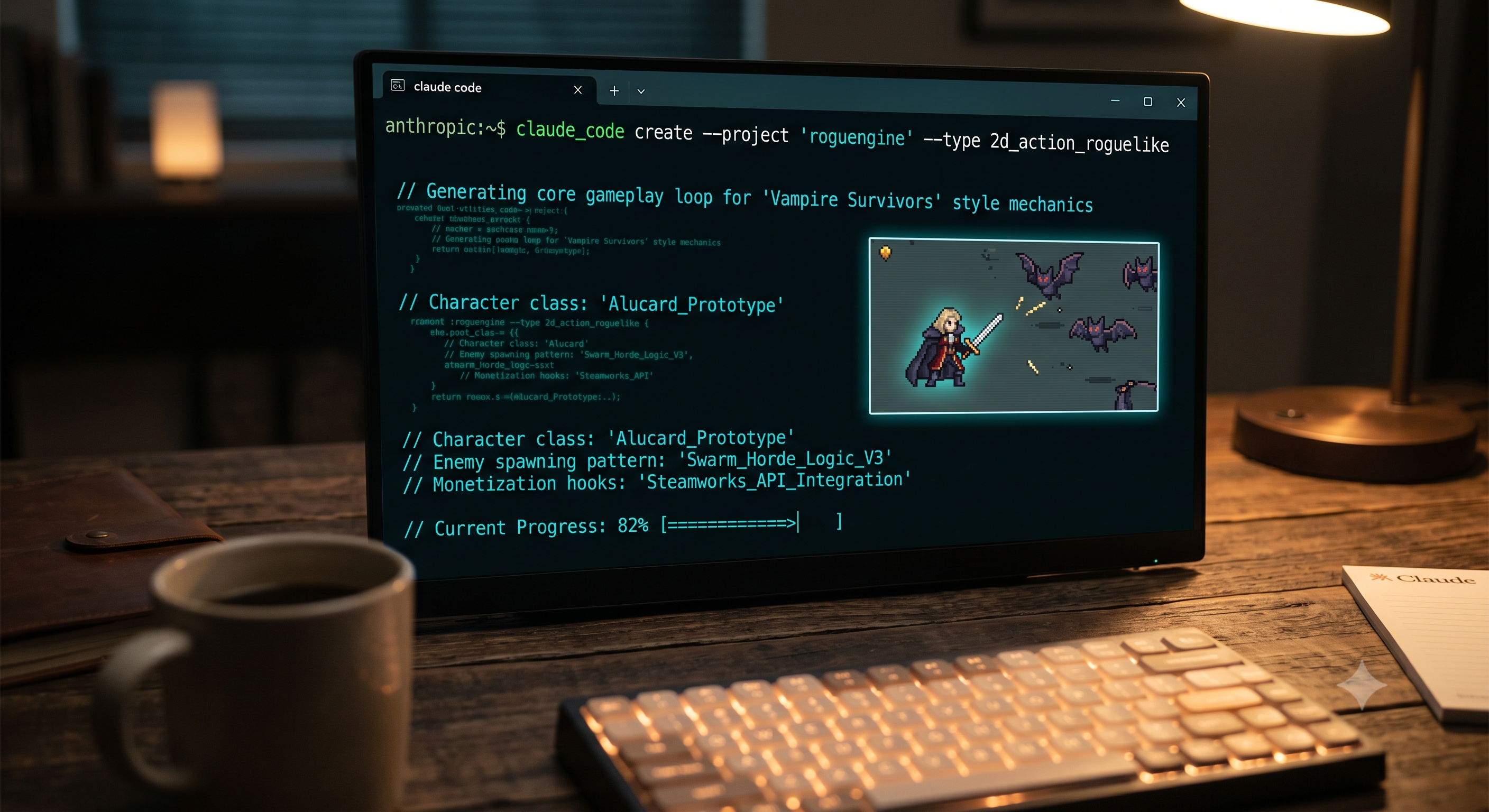
The gaming industry is undergoing a massive transformation driven by agentic AI tools. Top-tier creators and entrepreneurs are discovering that building highly profitable indie video games no longer requires years of computer science or software engineering experience. Using Claude Code—Anthropic’s powerful terminal-based programming agent—alongside advanced visual tools, a single developer can design, test, and publish a responsive 2D game to marketplaces like Steam, scaling potential revenues to over $200,000 a month [00:00].
In this strategic guide, we break down the end-to-end operational blueprint to build an engaging 2D rogue-like action game (similar to the viral hit Vampire Survivors) completely through conversation-driven AI [01:16].
📈 The Anatomy of Indie Game Monetization
The 2D bullet-heaven and rogue-like survival sub-genres have become massive financial goldmines. A prime example is Vampire Survivors, a game initially built by a single developer that went on to pull in over $57 million in gross revenue and $16 million in net profit [00:06].
By utilizing Claude Code to write robust code structures and leveraging AI media generators to supply low-cost graphic assets, independent creators can easily launch high-retention titles like "Chicken Survivor" or "Horde Survivor" within a remarkably short production window [03:18, 12:38].
🛠️ Step-by-Step Blueprint to Creating a 2D Game Using Claude Code
Step 1: Pre-Conditioning the Code Environment
Do not ask the AI agent to build a complete game in a single step; doing so creates messy, uncompilable file bundles [02:08]. Instead, input a structured foundational prompt explaining your full game loop concept [02:03]. Inform Claude Code about the primary mechanisms, including:
Automated character weapon attacks [02:21].
Enemy creature spawning and scaling metrics.
Experience gem drop collections, level-up variables, and stat progression menus [02:21, 17:00].
Ensure your environment is running directly in Code Mode on the desktop interface to allow background script compiling [01:51].
Step 2: Generating the Physics and Movement Prototype
Once the base structure is set, trigger your prototyping script [02:44]. The most critical element of top-down 2D action games is movement responsiveness [03:01]. Instruct Claude Code to build clean, frictionless directional movement vectors so character manipulation and monster pathfinding feel incredibly smooth to play [03:01, 05:37].
Note: Ensure you have Node.js and Python pre-installed on your operating system so Claude can safely execute building commands via terminal authorization [04:38, 04:48].
Step 3: Sourcing and Injecting 2D Pixel Art Sprites
Because plain developer shapes look unfinished, you need top-down pixelated art sheets [06:32]. You can obtain professional, affordable 2D assets, backgrounds, animations, and monsters through open marketplaces like itch.io [06:53, 07:07].
Download your preferred character animation sheets (such as idle and run loops) [08:05].
Drag and drop the graphic sheets directly into your Claude Code interface [08:15].
Feed the prompt with a descriptive directive instructing the agent to parse the pixel spacing and apply it as a dynamic sprite map to your character model [08:27, 09:07].
Step 4: Structuring Animated Main Menus with Hixfield
A marketable game requires a highly professional UI menu [09:53]. Run a directive in Claude Code to build an integrated standard game menu with clear "Play", "Leaderboards", and "Credits" pathways [10:06, 12:38].
To give your game a premier AAA feel, sign into Hixfield (using the GPT Image 2 configuration) to prompt a gorgeous, stylized medieval background art piece [11:28, 11:48]. Take that image, drop it into Hixfield's Cance 2.0 text-to-video algorithm, and prompt a continuous looping effect (e.g., passing clouds, blowing wind, moving capes) [13:21, 13:38]. Finally, pass this video file directly to Claude Code to set it as a looping background menu [15:56, 16:11].
📺 Watch the Full Setup and Prompts Guide:
To view the exact coding sequences, check out the complete community prompt files, and observe the visual sprite changes inside the program engine, watch the full live breakdown: Click here to watch the complete guide on YouTube